Classwise
Designing a frictionless ecosystem for educators to create, manage, and analyze interactive lessons in real time.
role
Sole UI/UX Designer
Resposibilities
End to end product design
Industry
EdTech
Tools
Figma, Jitter, AAE, Rive
Chapter 1
Teachers spend countless unpaid hours preparing lessons and grading tests. Existing educational platforms often require steep learning curves, mandatory software installations, or complex licensing models. The goal was to build an accessible browser based tool that significantly reduces lesson prep time while allowing educators to track student progress instantly.
The core design challenge was creating an interface robust enough to handle comprehensive student analytics and presentation building, yet simple enough to be adopted by educators with varying levels of technical proficiency.
Chapter 2
The Solution architecture
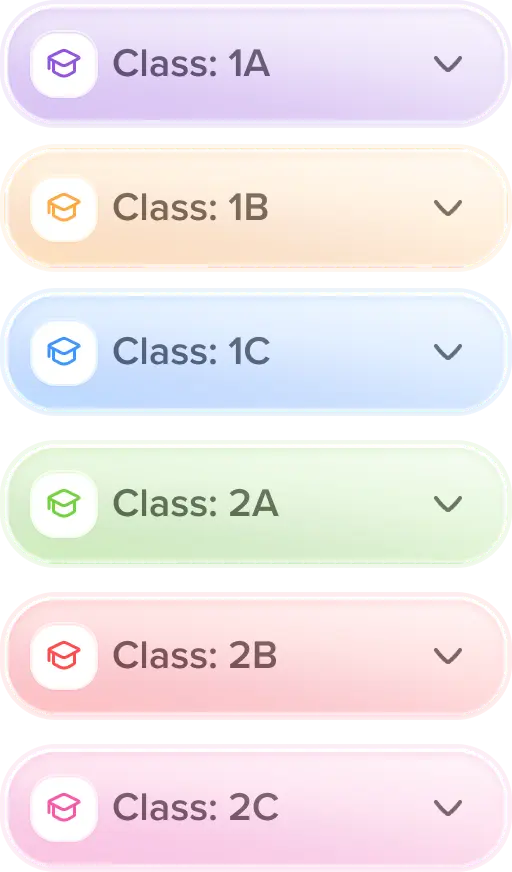
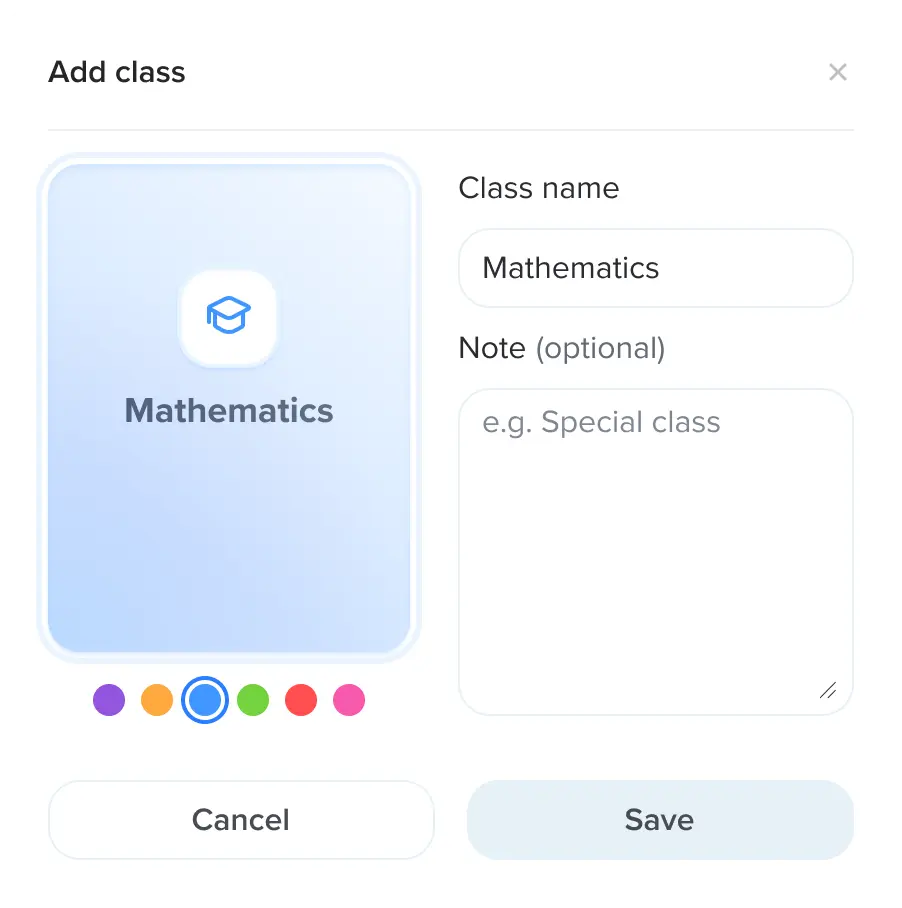
To eliminate friction, the Classwise application was designed to run directly in the browser with zero installation required. The architecture revolves around a centralized hub giving teachers immediate access to three core pillars.
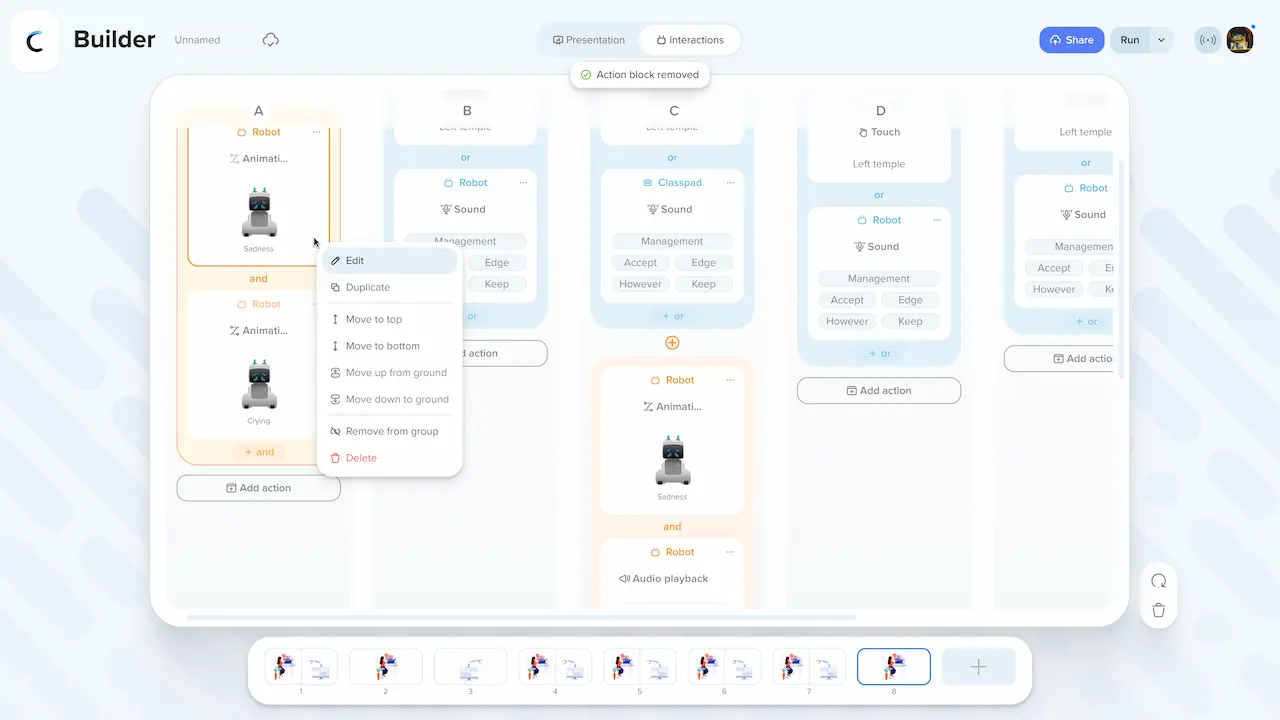
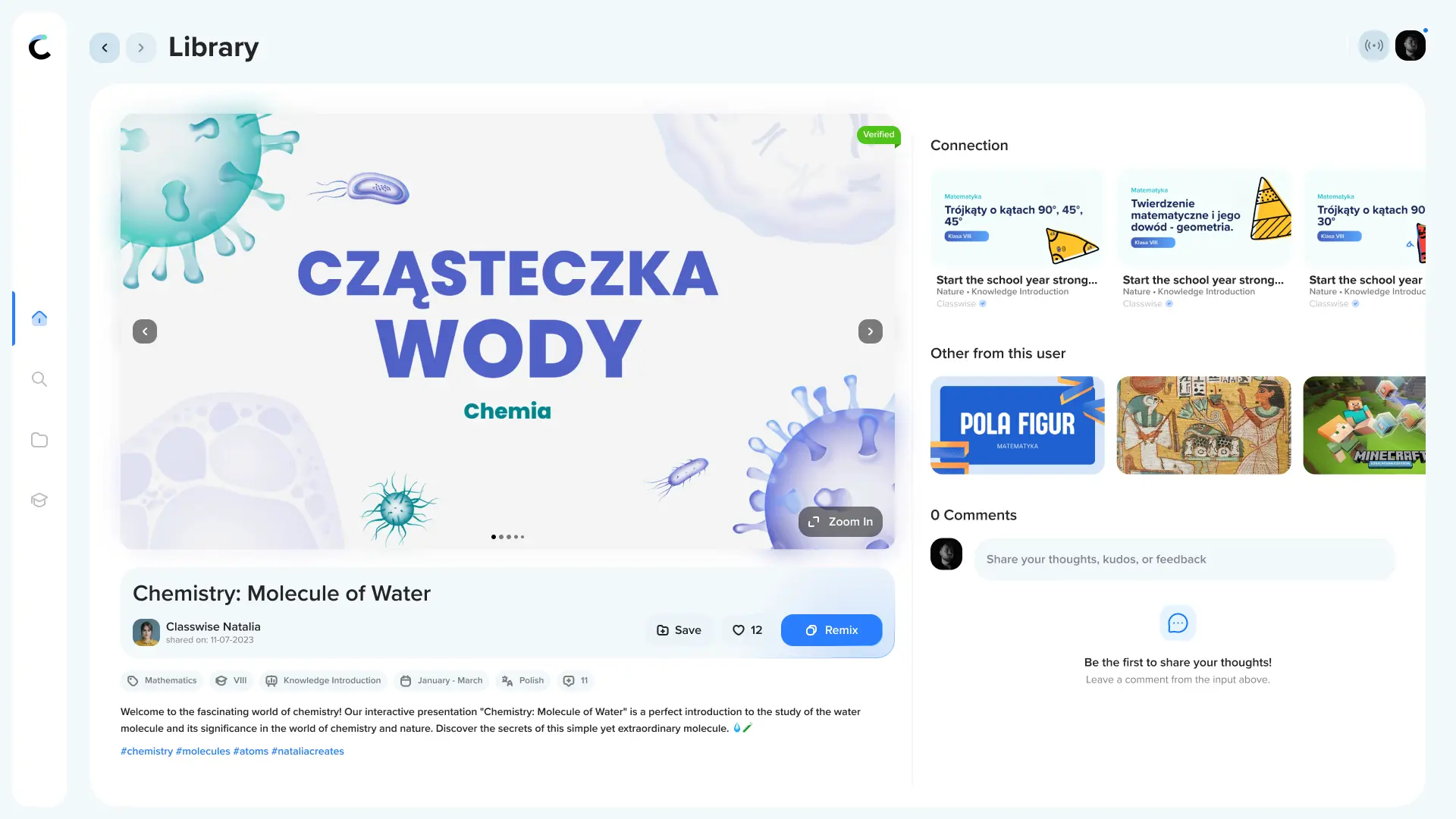
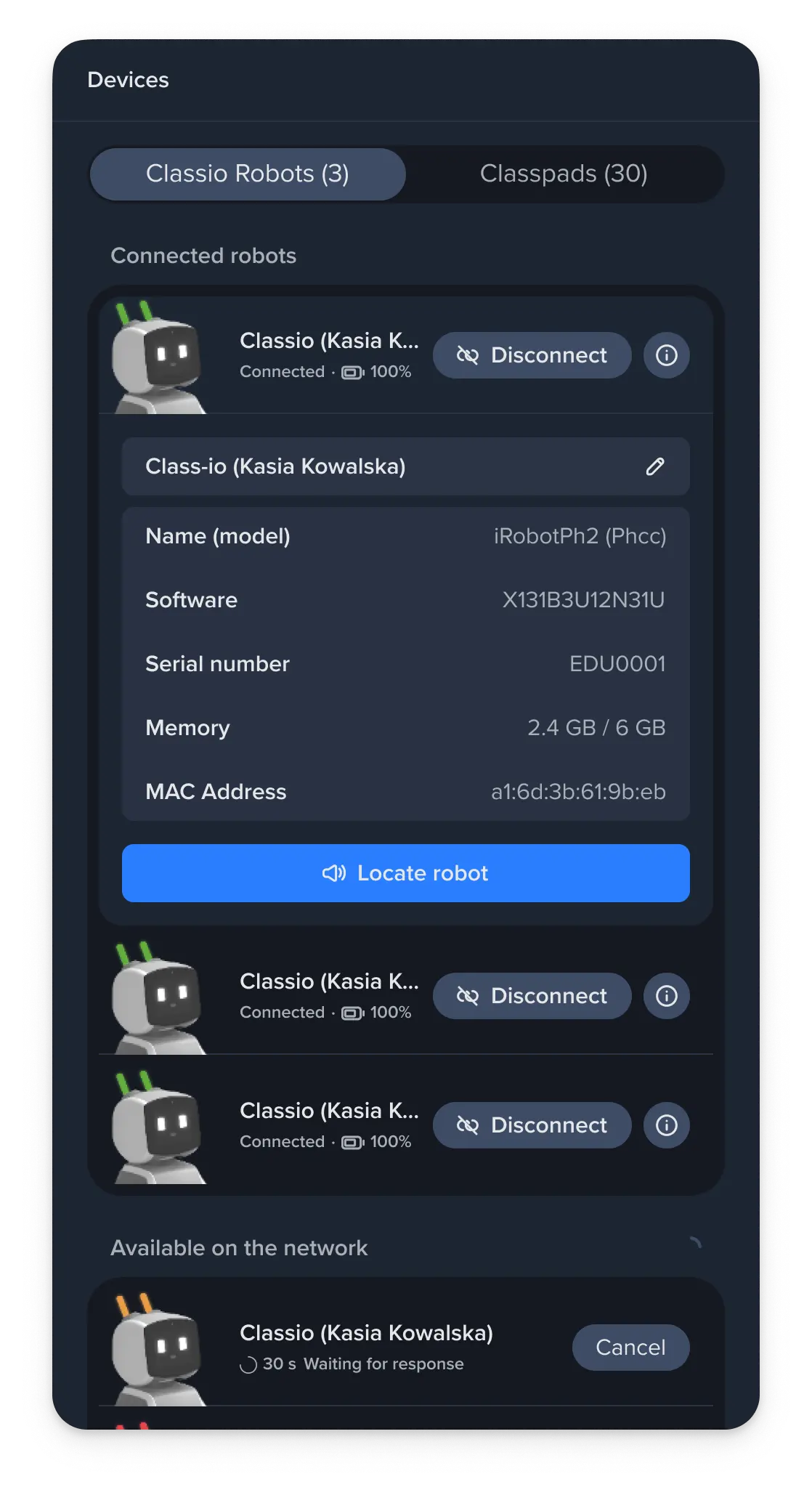
First is the Free Teaching Resources Library, where educators can discover and share ready made lesson plans. Second is the Project Wizard, an intuitive builder that allows users to generate interactive quizzes, bilingual games, and multimedia presentations in minutes. The third pillar focuses on Student Performance Analytics, processing responses from physical class pads in the background to provide real time feedback on class comprehension.
Chapter 3
UX & Interaction Design
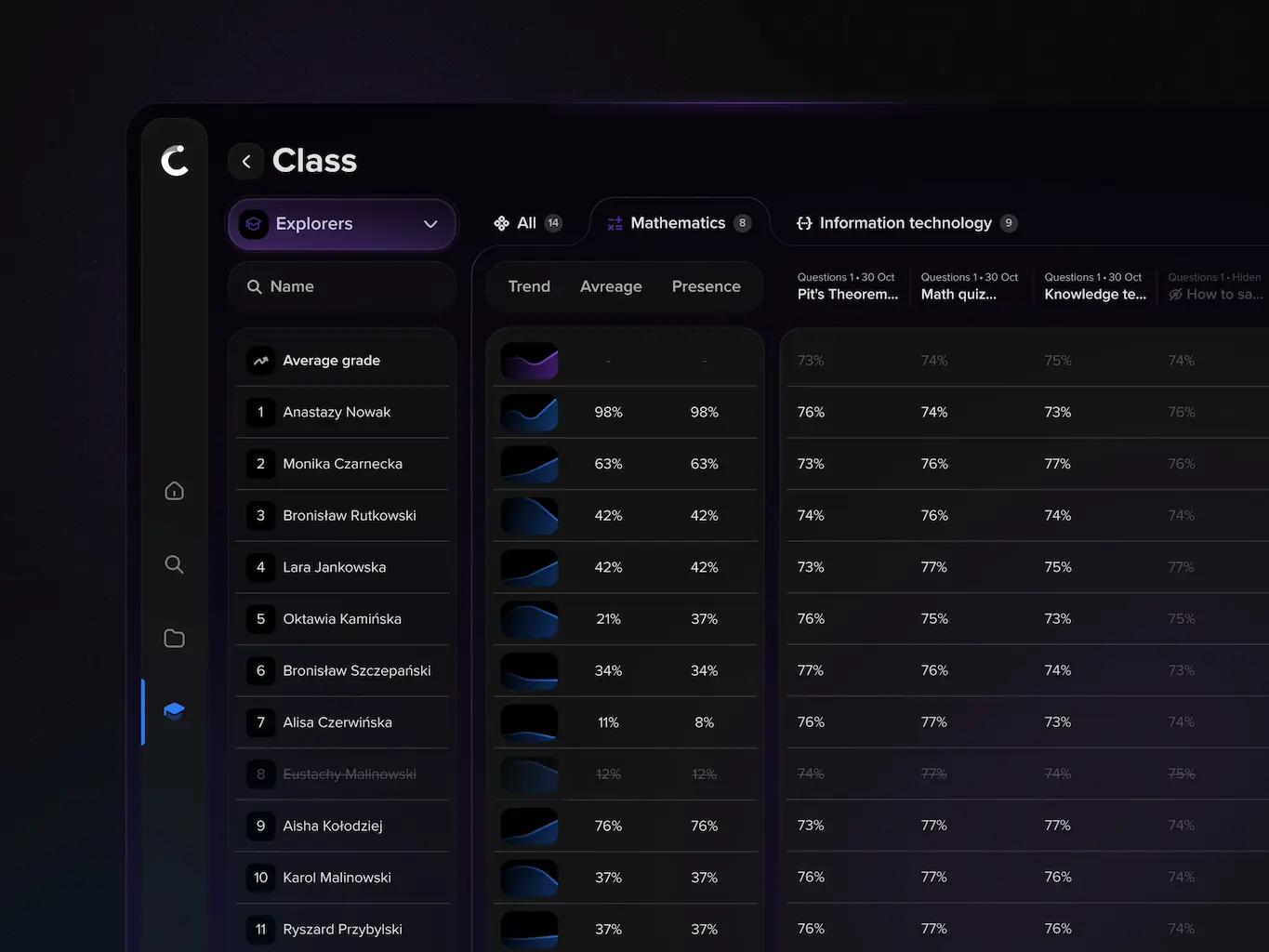
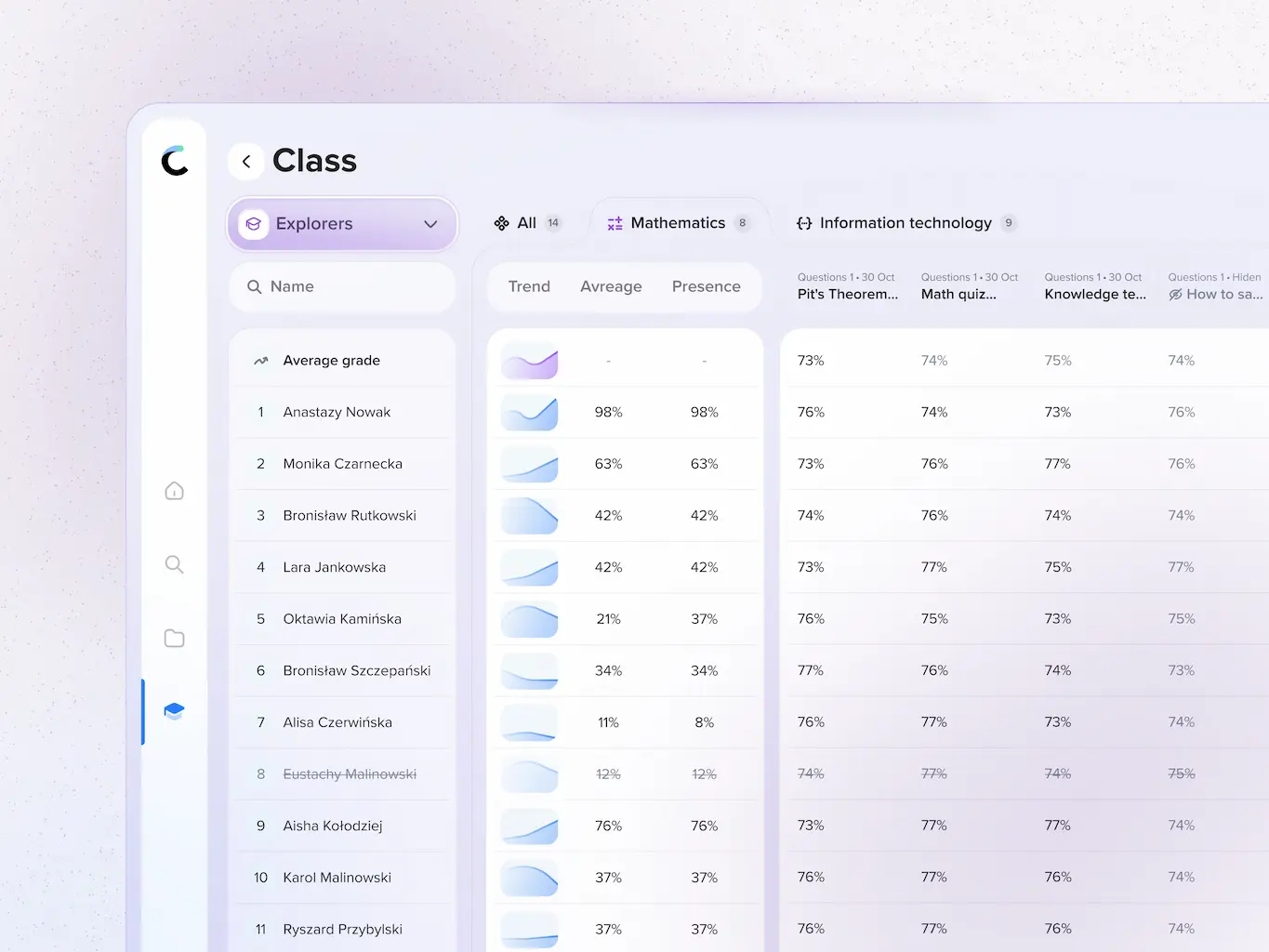
The interface was crafted to keep teachers in control of the classroom dynamic rather than focusing on the software. Complex data like class averages and individual student progress had to be visualized clearly so educators could identify knowledge gaps at a glance.
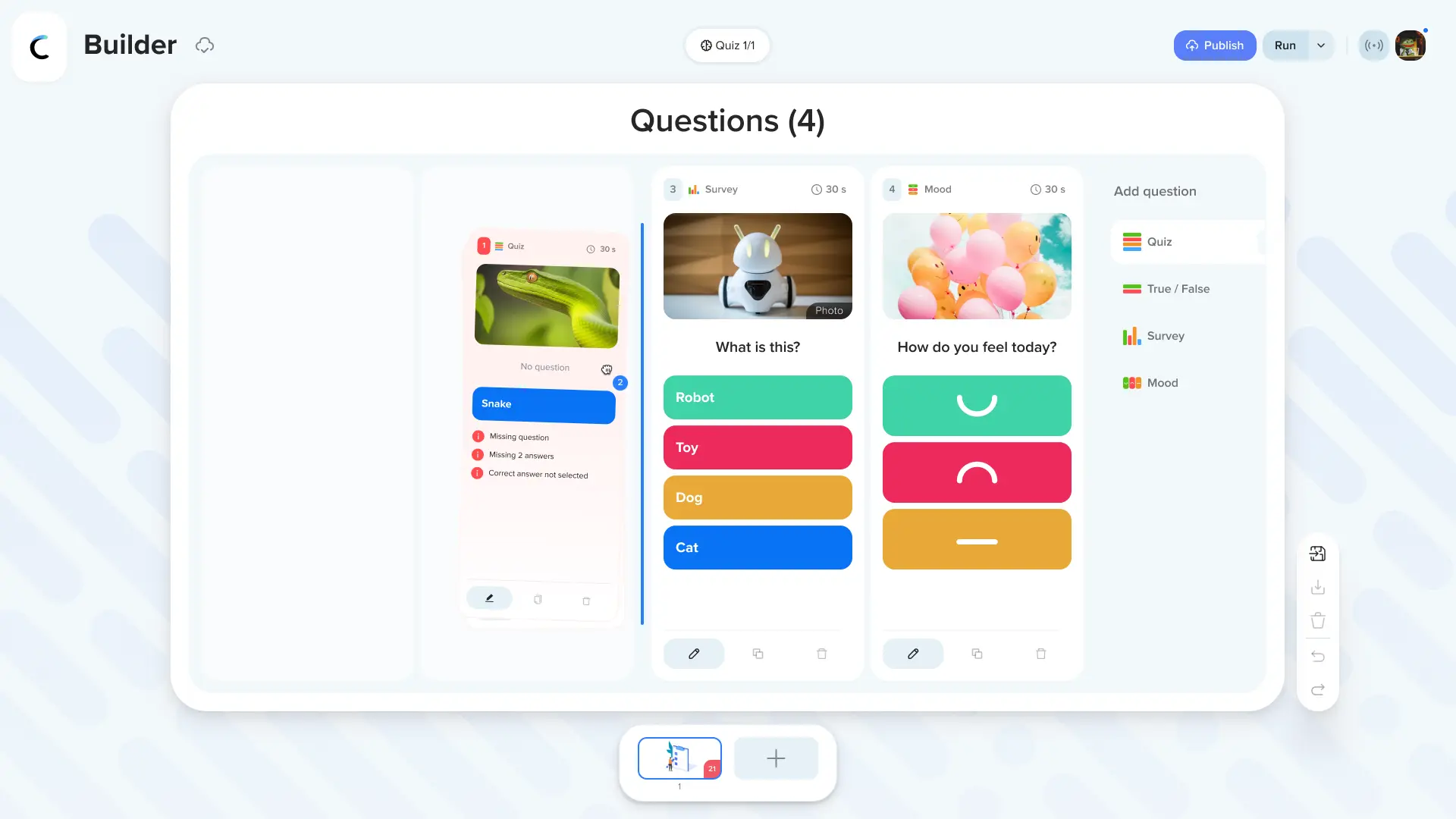
A major focus during the interaction design phase was the Project Wizard. Creating quizzes with diverse question types required a modular approach to UI components. Teachers can seamlessly switch between true and false formats, picture based questions, or stress free short test modes without navigating away from their main workspace. The entire flow was optimized to ensure that converting a standard curriculum into an interactive gamified experience takes just a few clicks.
Chapter 4
Visual Language and Analytics
The visual direction balances professional utility with an engaging educational aesthetic. The design system prioritizes legibility, especially for content projected on interactive classroom monitors where contrast and typography scale are critical.
In the analytics dashboard, the UI strips away unnecessary clutter to focus on actionable insights. Teachers can instantly see which topics the class mastered and which require a review session. By displaying question by question statistics and individual historical data in a clean tabular format, the application transforms raw data into a powerful diagnostic tool for inclusive education.