Chemia im Alltag
A comprehensive redesign of a digital healthcare guide with a strong focus on rigorous accessibility standards and native interaction patterns.
role
Sole designer
Resposibilities
End-to-end process
Industry
Healthcare
Tools
Play, Figma

Chapter 1
The Challenge and Accessibility Audit
The application required a thorough visual and functional overhaul. The primary business objective was to adapt the outdated interface to meet the strict requirements of a comprehensive digital accessibility report. The design changes had to incorporate WCAG guidelines without sacrificing a modern aesthetic or consistency with the client brand guidelines. Furthermore the scope required implementing entirely new features which forced a complete redesign of the information architecture to remove cognitive barriers and optimize navigation for native platforms.

Chapter 2
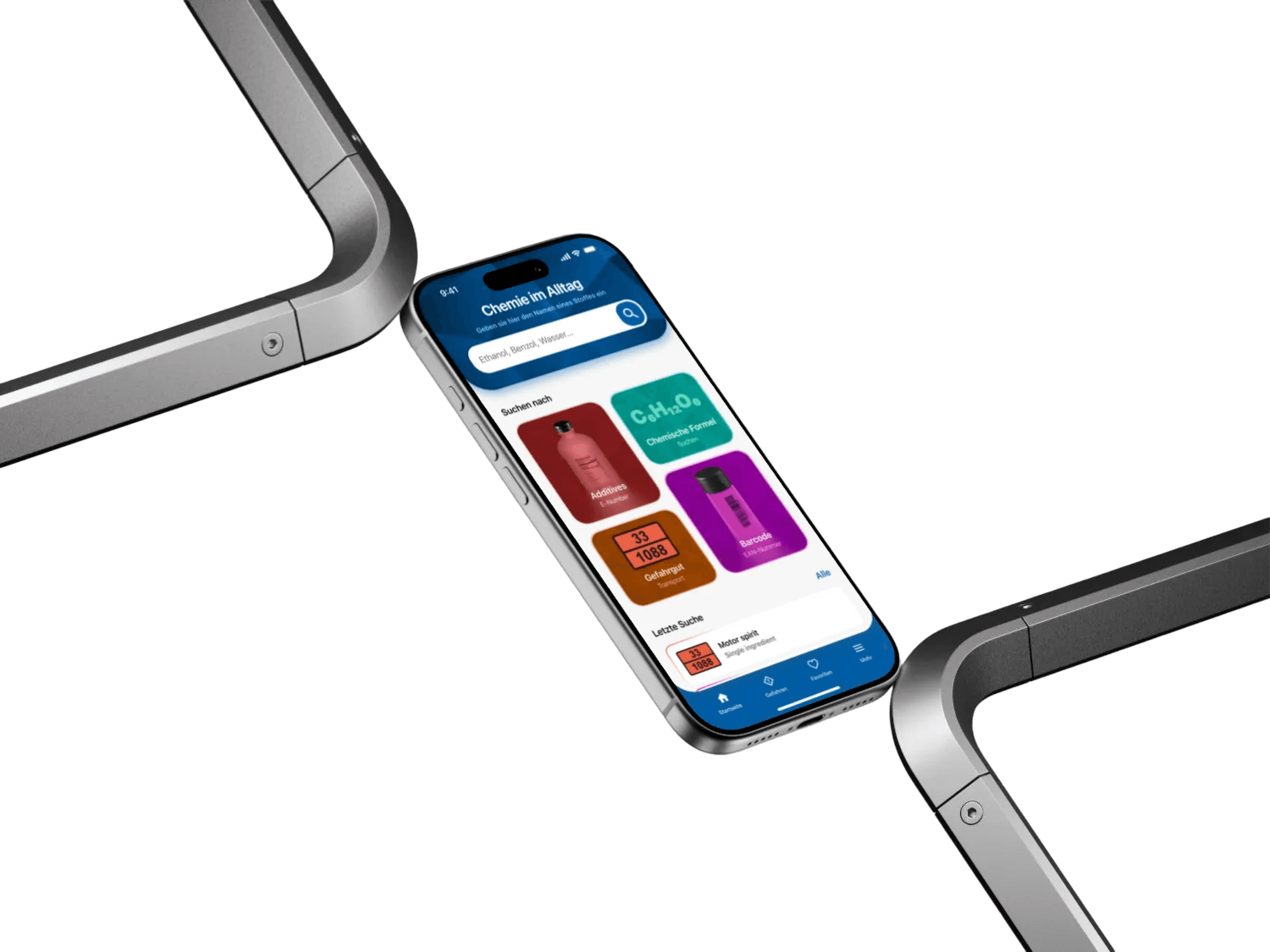
UI Preview
Chapter 3
The New Barcode Scanner
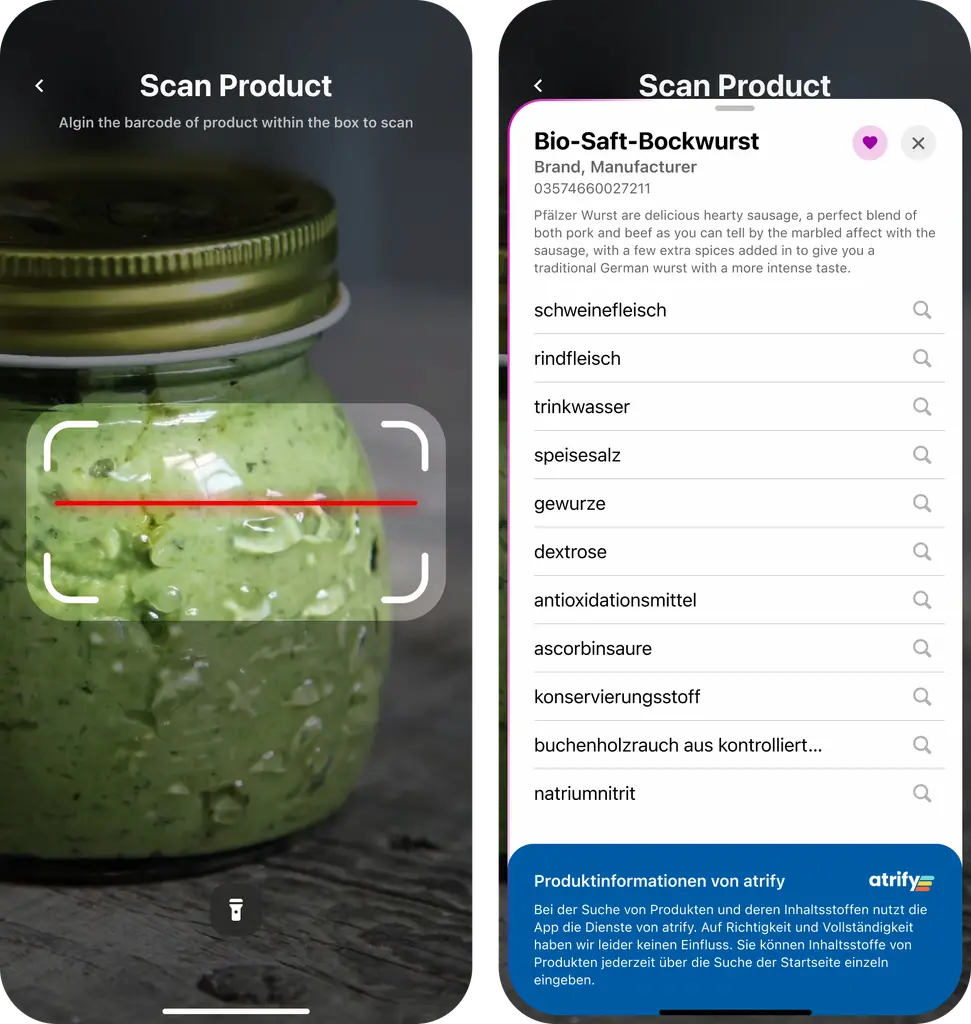
Introducing an integrated barcode scanner was a key design decision aimed at reducing cognitive friction. Instead of forcing users to manually type complex chemical names the app allows for immediate product recognition using the device camera. The scanner interface was optimized for ergonomics and one handed use while clear success and error states provide immediate visual feedback. This mechanic directly responds to the need for building inclusive and error proof tools for everyday use.
Chapter 4
Hazard Information System
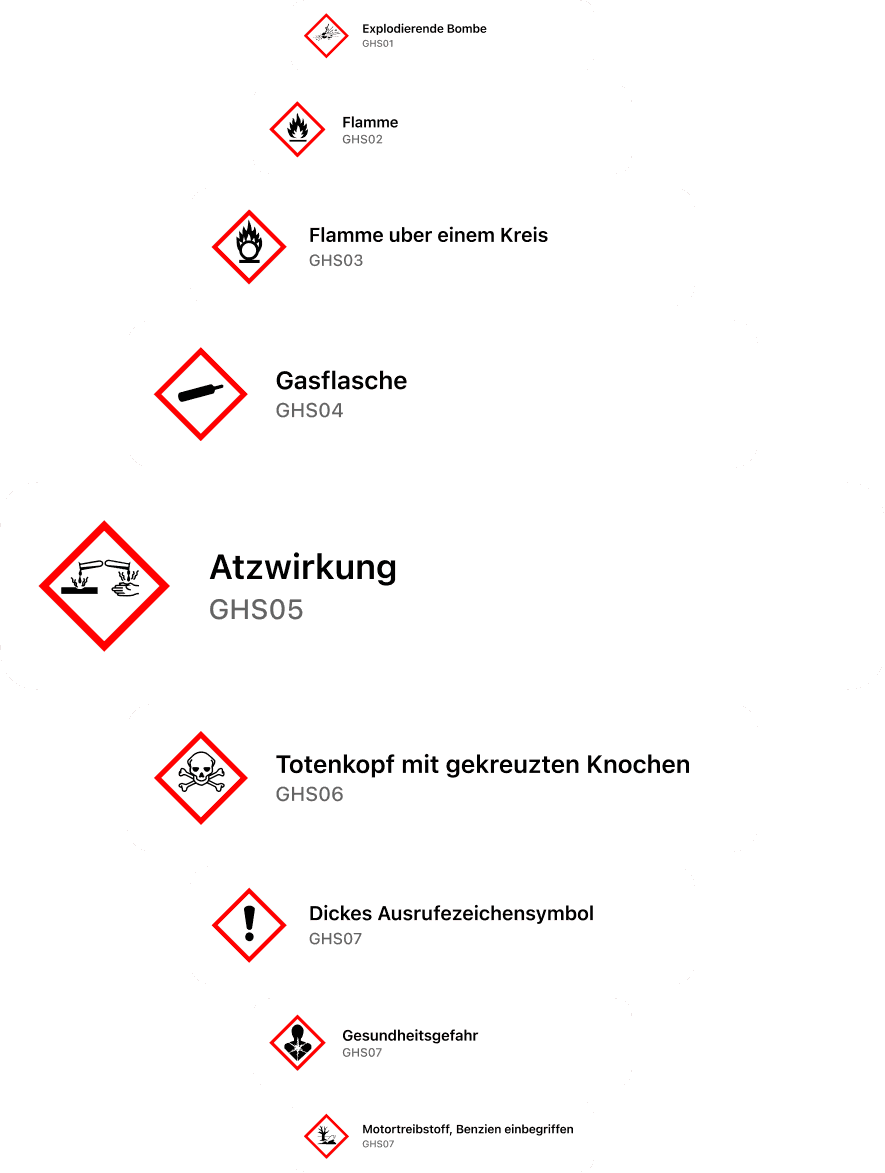
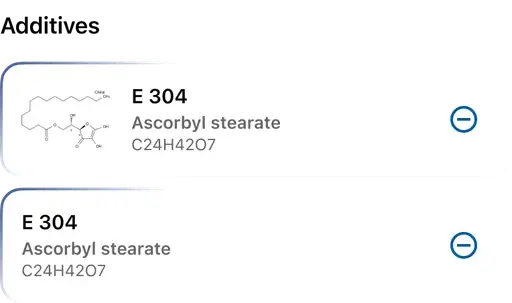
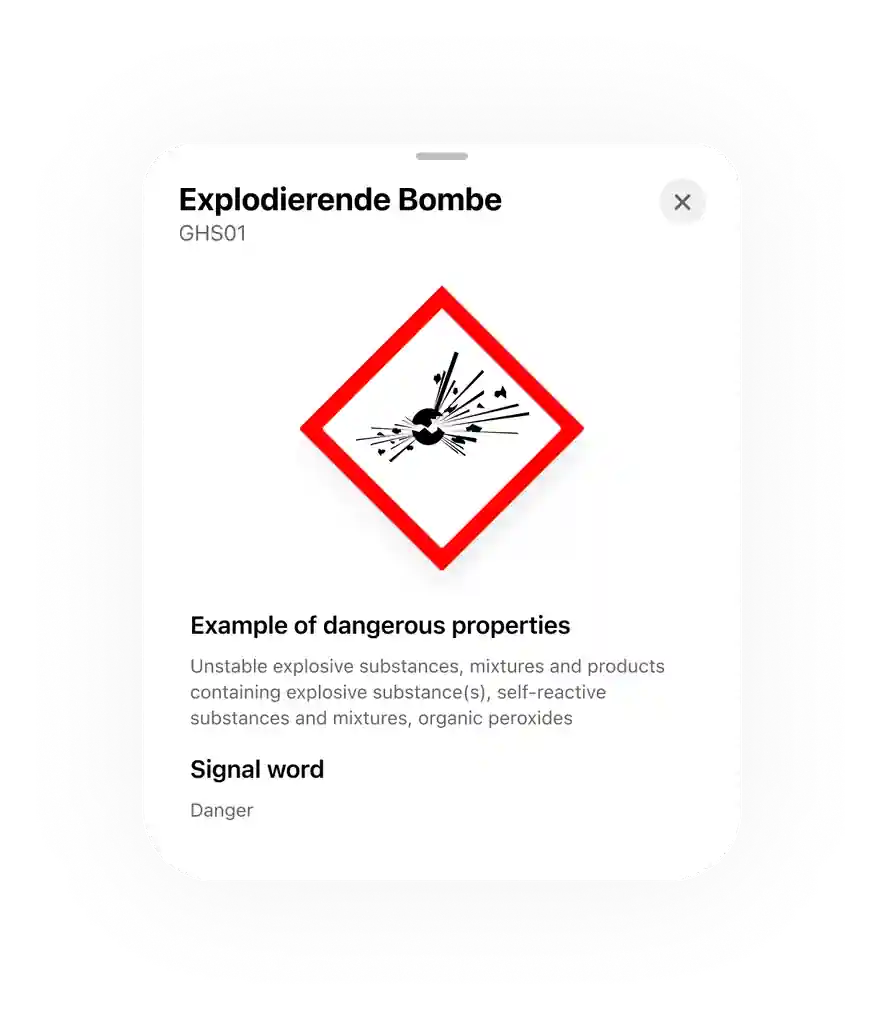
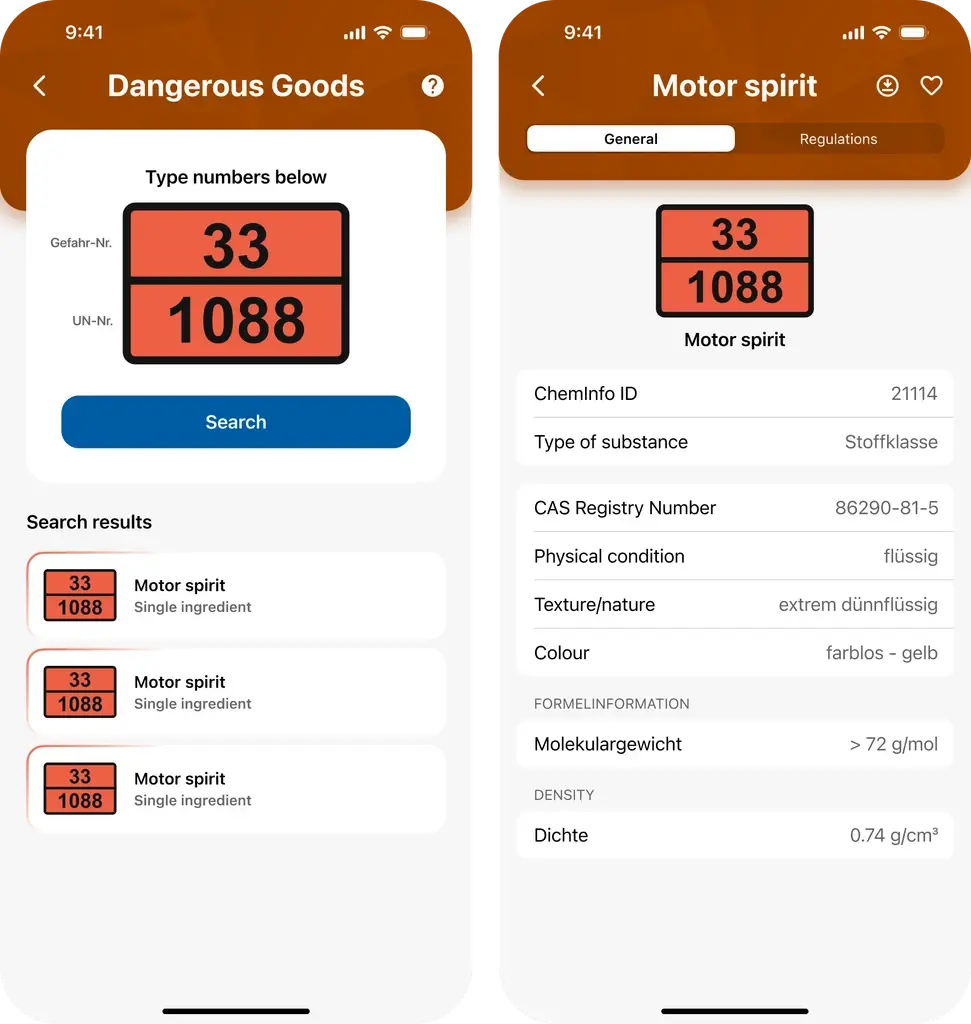
Translating complex chemical jargon and legal classifications into an approachable interface demanded strict visual discipline. Sections detailing hazards and dangerous goods were reorganized using clear modular cards. I ensured rigorous adherence to high contrast typography and enlarged touch targets to meet strict accessibility requirements. Warning pictograms were given appropriate space and visual hierarchy allowing users to instantly decode potential health risks without feeling overwhelmed by specialized data.
Retrospective
The extremely tight two week timeline required an uncompromising approach to the design process. I made a strategic decision to bypass static wireframes in favor of directly building an advanced prototype using Play. This shift allowed for immediate testing of microinteractions in a native iOS environment and the creation of a highly realistic user experience. Delivering a fully tangible prototype rather than static screens significantly elevated the presentation quality and built strong client trust proving maturity in time and project risk management.