Photon AI
Translating complex machine learning concepts into an accessible digital interface for primary education.
role
Sole UI/UX Designer
Resposibilities
UX and UI Design, Interaction Design, Prototyping, Design System Architecture
Industry
EdTech, Artificial Intelligence
Tools
Figma
Chapter 1
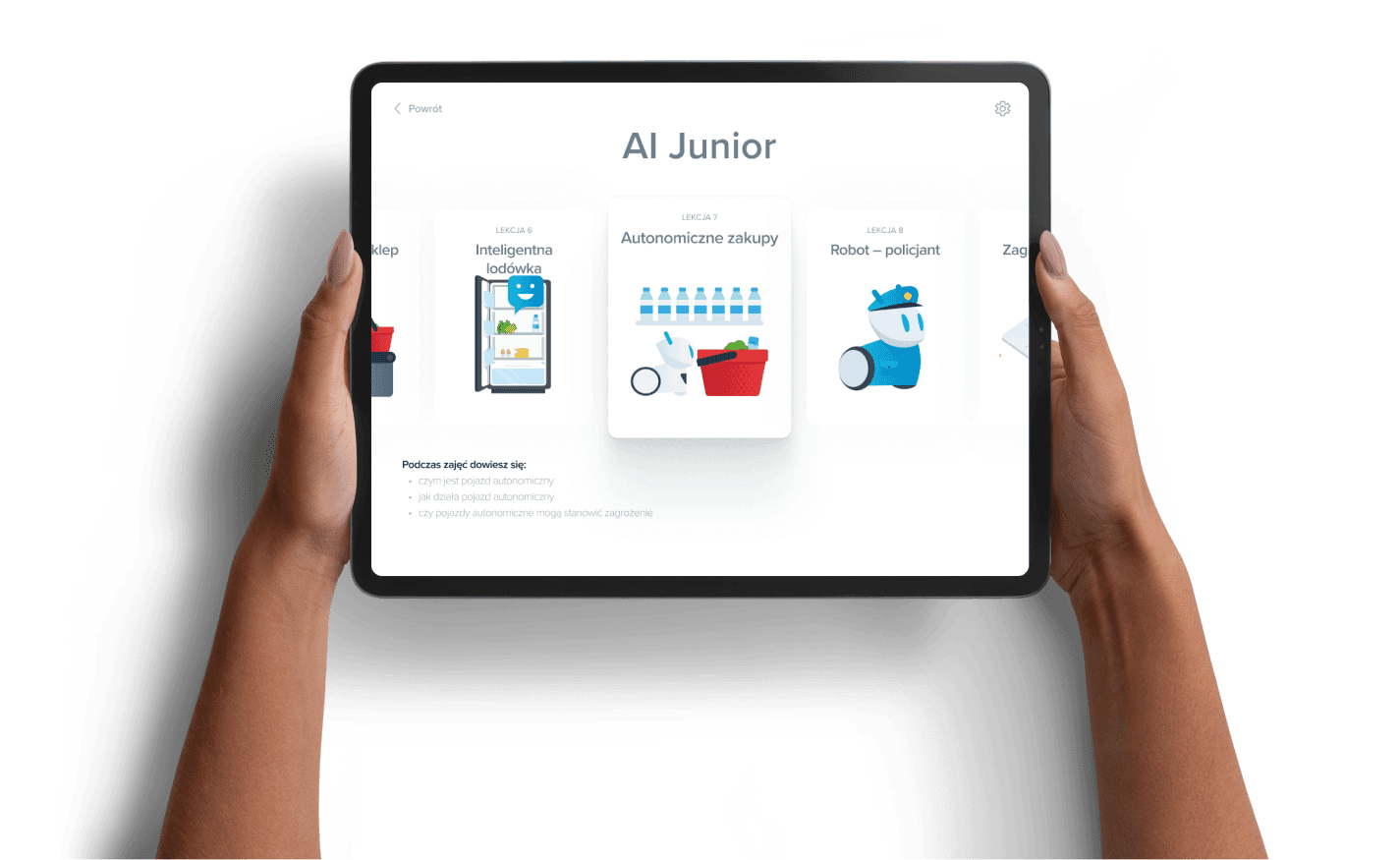
Artificial intelligence is an inherently abstract concept, making it particularly difficult to explain to young students. The core product challenge was designing a digital interface that visualizes invisible processes like data training, image recognition, and algorithmic bias.
Furthermore, the solution had to accommodate two distinct user groups simultaneously. It needed to empower teachers who often lack technical backgrounds to conduct lessons confidently, while remaining engaging and intuitive for children aged seven to twelve. The goal was to reduce cognitive load without oversimplifying the underlying computer science principles.
Chapter 2
UX Architecture
To manage the steep learning curve, the application architecture relies heavily on progressive disclosure. The interface guides users through three distinct stages of technical literacy.
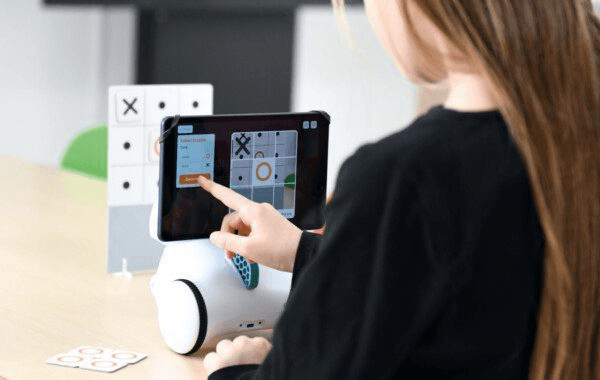
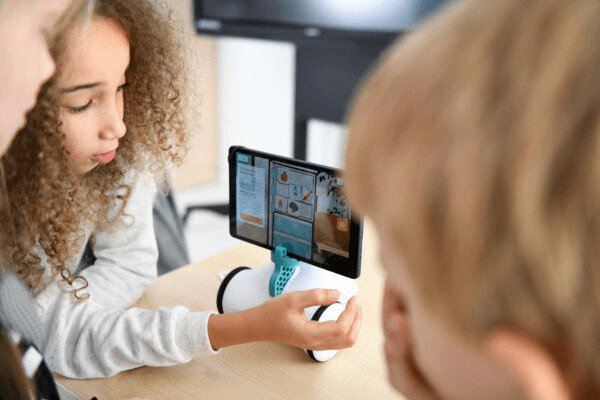
First, users engage with interactive theory modules to build basic mental models of how algorithms work. Next, they enter the training environment where they utilize device cameras to capture data sets and train their own classification models. Finally, the experimentation module allows them to deploy their trained models to solve physical logic puzzles with the robot. This structure prevents users from feeling overwhelmed by complex data inputs during their first interaction.
Chapter 3
Visual Language
Educational digital products frequently default to an overly playful or childish aesthetic. The design direction for this application intentionally shifts away from that paradigm. The visual language positions the software as a legitimate laboratory tool, balancing approachability with engineering credibility.
The UI prioritizes high contrast elements, clear data visualization, and absolute clarity in states and feedback. When students scan objects, they observe probability and confidence metrics shifting in live time. This transparency demystifies the software, showing exactly how quantity and quality of data directly affect the final outcome.
Chapter 4
Interaction Design
The core loop revolves around collecting, refining, and testing data sets. Designing the custom camera interface required special attention to motor skills and accessibility, ensuring younger users could easily capture and tag environmental elements.
Another major constraint was cross platform scalability. Building the interface in Unity rather than a native environment introduced significant responsive design challenges. Achieving a seamless experience across various devices required strategic UI compromises and custom scaling logic. The interface had to be optimized not just for personal mobile tablets, but also for large interactive classroom whiteboards. Typography scales, hit targets, and layout hierarchies were rigorously tested to ensure legibility and ease of use from the back of a brightly lit classroom, successfully navigating the limitations of the engine.